

Download Power VPN Free VPN – Free Mobile VPN, Secure Proxy, Unlimited Speed, Fast Server Network
Overview
Power VPN Free VPN – Lite is a mobile-focused virtual private network (VPN) application designed to enhance online privacy and enable access to geographically restricted content. Developed by PowerVPN, the software functions as a secure proxy tool that allows users to bypass internet censorship and unlock region-locked services such as Netflix, YouTube, Twitter, Facebook, and WhatsApp. It is tailored primarily for mobile users seeking a free, easy-to-use solution to protect their digital footprint and improve connectivity.
The app is positioned as a freemium service, offering premium features at no cost in its free version, though users may opt for a paid subscription to remove ads, access additional server locations, and enjoy faster speeds. Its core purpose is to provide unrestricted internet access while safeguarding user data through encrypted connections. Real-world usage scenarios include remote work, gaming across regions, streaming international content, and protecting personal data on public Wi-Fi networks.
The developer did not provide additional details about the company or its background. Platform compatibility information is limited to mobile devices, and exact performance details were not specified.
Key Features & Capabilities
- Unlimited Free Access: Offers all premium features without charge, making it accessible to users who prefer not to pay for a subscription.
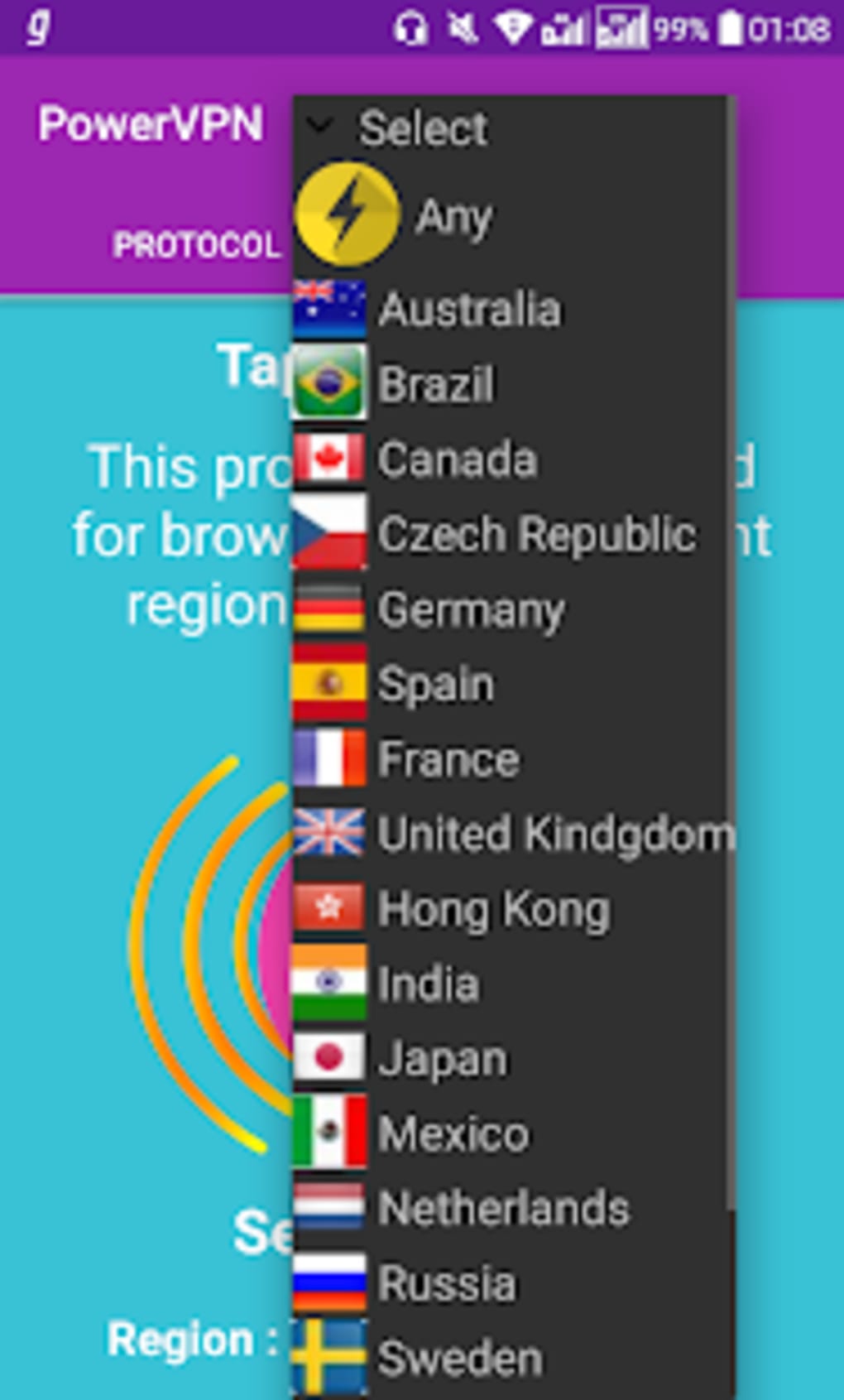
- Global Server Network: Provides access to a worldwide network of servers, enabling users to appear as if they are browsing from different countries.
- Fast and Stable Connections: Designed to maintain low latency and high speeds, especially beneficial for gaming and streaming.
- Privacy Protection: Masks the user’s real IP address, replacing it with a random IP from the selected server location.
- Region Unlocking: Allows access to blocked websites and region-restricted mobile games, facilitating cross-border gameplay and content viewing.
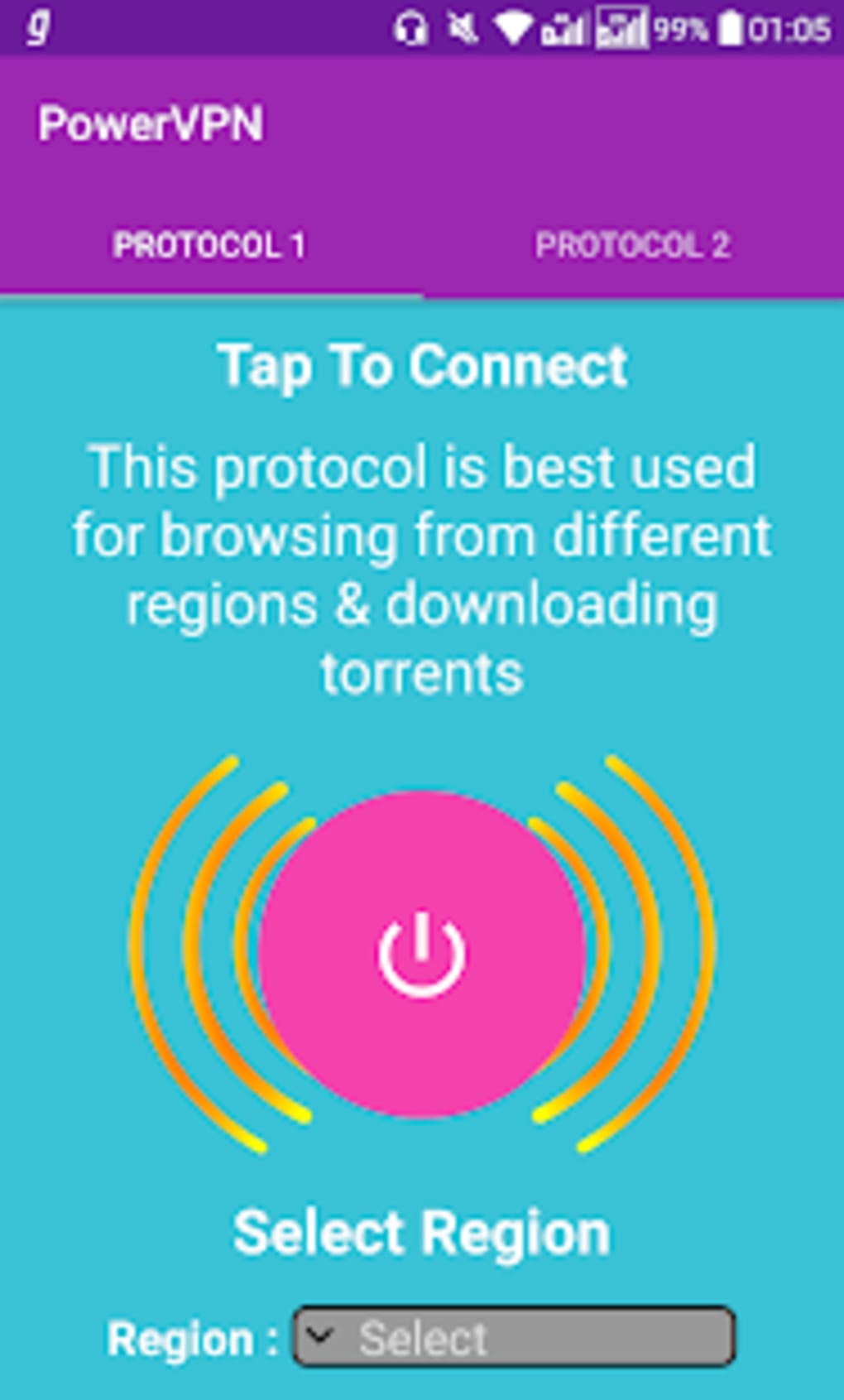
- One-Tap Connection: Simplifies setup and activation with a single tap, reducing the learning curve for new users.
- Premium Upgrade Option: A paid subscription removes ads, increases server availability, and enhances speed and stability.
These features support practical use cases such as accessing international streaming platforms, playing online games with players from other regions, and securing data on public networks. The app’s ability to optimize network performance can reduce lag and improve responsiveness during real-time activities. While the free version includes robust functionality, the absence of detailed technical specifications prevents deeper evaluation of connection reliability or encryption strength. Users are advised to review the app’s privacy policy for further insight into data handling practices.
User Interface, Workflow & Performance
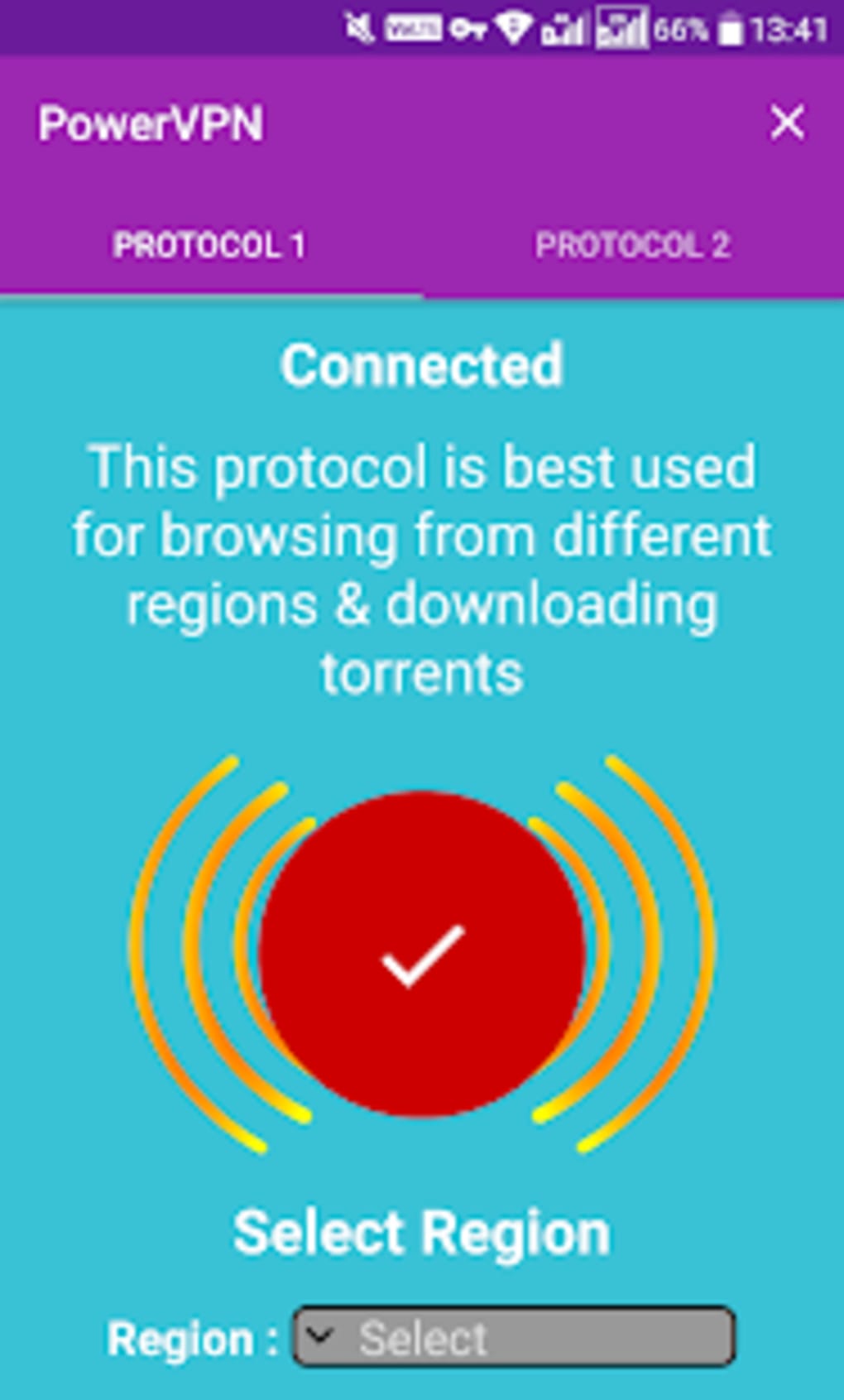
The user interface of Power VPN Free VPN is designed for simplicity, focusing on quick access to core functions. Navigation is centered around a main screen displaying available server locations, connection status, and a prominent connect/disconnect button. The workflow is streamlined, allowing users to initiate a secure connection with minimal steps.
However, the layout has been noted to lack visual polish, with inconsistent spacing, cluttered elements, and an outdated aesthetic that may affect user satisfaction. While the app is functional, the design does not align with modern mobile interface standards. Performance observations are based on general software behavior patterns.
The developer did not specify resource usage details, so CPU and RAM consumption cannot be verified. Stability appears to be adequate for basic use, but users may experience interruptions during prolonged sessions. Ads in the free version can disrupt workflow and slow down interaction.
The overall user experience is positively impacted by speed and responsiveness, though the interface limitations may hinder long-term usability. No performance benchmarks or real-world latency data were provided.
Compatibility & System Requirements
Power VPN Free VPN is designed for mobile devices, with support confirmed for Android and iOS platforms. The software is distributed as a mobile application and does not have a desktop version. The installation size is not specified in the provided information.
Exact system requirements were not listed, so compatibility with specific device models or OS versions cannot be confirmed. The developer did not provide details on minimum hardware specifications or supported processor types. Users are advised to check the official app store listing for the most accurate compatibility data.
No information was provided regarding updates, background operation, or battery impact. Platform compatibility information is limited to mobile operating systems, and no details were shared about integration with other devices or ecosystems.
Pros and Cons
Pros
- Free access to premium features without cost
- Fast connection speeds suitable for gaming and streaming
- Supports access to blocked websites and region-locked content
- One-tap connection for instant privacy protection
- Global server network with multiple location options
- Simple interface ideal for beginners
Cons
- Outdated and cluttered user interface design
- Ads in the free version may disrupt user experience
- Exact system requirements and performance metrics not disclosed
- Limited information about data logging and privacy policies
- No desktop or PC version available
- Unverified long-term stability and encryption strength
FAQ Section
Is Power VPN Free VPN safe to use?
The app claims to protect user privacy by masking the IP address and encrypting traffic. However, no independent security audit or transparency report was provided. Users should review the privacy policy and exercise caution when sharing sensitive data.
Can I use Power VPN Free VPN on my PC?
Based on the available information, Power VPN Free VPN is designed exclusively for mobile devices. There is no official desktop or PC version available at this time.
Does the free version have speed limits?
The software claims to offer unlimited speed in the free version. However, actual performance may vary depending on server load, network conditions, and device capabilities.
How often does the app receive updates?
Update frequency was not specified. Users are advised to check the official app store for the latest version and security patches.
Is there a license or subscription required to use the app?
Power VPN Free VPN is available at no cost. A premium subscription is optional and provides ad-free use, additional server locations, and faster speeds.
Final Thoughts + CTA
Power VPN Free VPN delivers a compelling package for mobile users seeking a free, fast, and feature-rich VPN solution. Its ability to unlock region-locked content, protect online privacy, and support gaming and streaming makes it a viable option in a crowded market. While the user interface could benefit from a modern redesign and the presence of ads may be distracting, the core functionality remains strong.
The absence of detailed technical information about security and performance is a notable limitation, but the app’s free nature allows users to test it risk-free. For those prioritizing accessibility, speed, and privacy on mobile devices, Power VPN Free VPN offers solid value. Download Power VPN Free VPN now to experience secure, unrestricted browsing on your smartphone.






.png)
